Original research brief
Multimodal AI Workflow for Small Teams Decision Framework
A practical guide to multimodal AI workflow for small teams decision framework, with decision checks and a repeatable workflow for small teams.
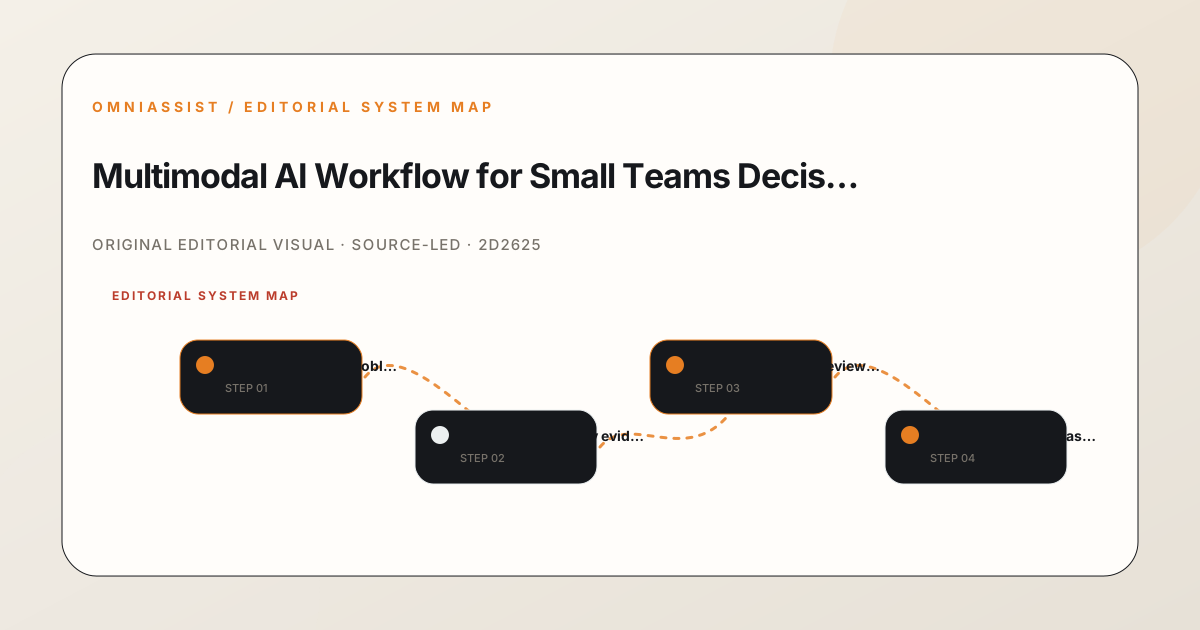
A practical guide to multimodal AI workflow for small teams decision framework, with decision checks and a repeatable workflow for small teams.
Every image is selected for a distinct editorial role, then checked for source, rights and fit before it enters the story.
The Hugging Face community blog includes practical write-ups on model limitations and workflow design, which are useful for understanding failure modes.
The Granite Speech 5.0 Turbo CTC article reports specific performance metrics, including word error rate and throughput, for a speech recognition model.
The FINAL-Bench financial forecast challenge describes a design principle of verifying the scorer before any model, which applies to validating any AI workflow.
The LEADBOARD drug property prediction article shows that the choice of data split can move a benchmark score by 0.21 AUROC, illustrating the importance of test design.
The problem is not whether multimodal AI works. It is whether a small team can adopt it without drowning in tooling, unclear ownership and unverifiable claims. You have text, images, audio and video flowing through your work, and every vendor says their model handles all of it. The decision you actually face is narrower: which workflow, with which review points, can your team run reliably this quarter? The intended outcome is a documented method you can test, not a promise of transformation. You want a repeatable path from a messy input to a checked output, with a clear line between what the model produced and what a human verified. That distinction matters more than any benchmark. A small team does not need the most capable system. It needs one where failure is visible early, ownership is explicit and the cost of a mistake is contained. Start with a single use case, define the input and output formats, and write down what a good result looks like before you touch any tool.
Before you draft a workflow, you need evidence you can actually trace. Public model cards, release notes and community write-ups are useful, but they are not the same as your own test results. The discipline is to separate what a vendor claims from what you can reproduce. For a multimodal workflow, the evidence you need is practical: how does the system handle a low-resolution image, a noisy audio clip or a document with mixed layouts? Those are the cases that break real work. Start with the official documentation for the model or tool you are considering, then look for independent write-ups that describe failure modes rather than just capabilities. A community post that explains a specific limitation is worth more than a polished announcement. When you find a claim you want to rely on, record the source and the date. If you cannot trace a claim back to a primary source, treat it as unverified and test it yourself. This is not bureaucracy. It is the difference between a workflow you can defend and one you are guessing about.
A multimodal workflow fails most often at the handoff between the model and the human. You need to name who owns each step and where the review happens. For a small team, that means one person is responsible for the input, one for the model output and one for the final check. If you only have two people, combine the first two roles but keep the final review separate. The review point is where you catch errors before they reach a customer or a decision. Define the boundary of what the model is allowed to do without a human. For example, the model can draft a summary, but it cannot send that summary to a client until a person has read it. The model can transcribe audio, but it cannot flag a section as urgent. Those boundaries are not about distrust. They are about knowing that a model can be confidently wrong, especially with mixed media where one modality can mislead another. Write the boundary down and make it part of the workflow, not an afterthought.
The edge cases that break a multimodal workflow are rarely the ones in the demo. They are the low-quality inputs, the ambiguous instructions and the unexpected combinations. Before you roll out the workflow, test it against a set of realistic cases you have collected from your own work. Include a blurry photo, a recording with background noise, a scanned document with handwriting and a video where the speaker is off camera. For each case, record what the model produced and what a human reviewer would need to correct. This gives you a baseline for how much review time the workflow actually requires. It also tells you where the model is reliable and where it is not. A model that handles clean text well but fails on noisy audio is still useful, as long as you know that limitation and route those inputs to a human. The test set does not need to be large. Ten cases that reflect your real work are more valuable than a hundred that do not.
When you document what the workflow does, you need to be precise about what you observed and what you are assuming. Do not write that the model is accurate because a vendor said so. Write that you tested it on your cases and it produced a usable output in eight out of ten, with the two failures being a specific type of input. That is evidence you can act on. If you reference a source, name it and link to it. If you are describing a limitation you have not tested, say that it is untested. The discipline of recording evidence without inventing attribution is what makes the workflow trustworthy. It also protects you when something goes wrong. If a customer asks why a summary was wrong, you can point to the test results and the review step, not to a vague claim about model capability. Keep a simple log of what you tested, what happened and what you changed. That log is the difference between a workflow that improves and one that repeats the same mistakes.
Once you have run the workflow for a few weeks, you will have findings. Use them to plan one controlled change, not a rewrite. Pick the single most frequent failure or the most costly one, and change only that part of the workflow. For example, if the model consistently misreads handwritten notes, add a step where a human types those notes before the model processes them. If the review step is taking too long, change the output format so the reviewer can scan it faster. Make one change, run the workflow again and compare the results to your baseline. This is how you improve without introducing new problems. A controlled change is one you can measure. You know what you changed, you know what you expect to happen and you can see whether it did. If the change does not help, revert it and try something else. This is not exciting work, but it is how a small team builds a reliable system.
The final step is to turn the method into something you can measure. Define one metric that tells you whether the workflow is working. It could be the time from input to reviewed output, the number of errors caught in review or the percentage of outputs that needed no correction. Pick one metric, measure it for a week and write down the number. That is your baseline. Then set a target for the next month. The target should be realistic, not aspirational. If the baseline is that half the outputs need correction, aim for forty percent, not zero. The metric gives you a way to know whether the workflow is improving or drifting. It also gives you a reason to revisit the workflow when the number moves in the wrong direction. A measurable next step is the difference between a workflow you believe in and one you can prove. Write the metric down, share it with the team and review it at a set interval. That is how you turn a decision framework into a working system.
A multimodal AI workflow is a documented process for using AI systems that handle multiple input types, such as text, images, audio and video. For small teams, the workflow defines who does what, where the review points are and what the boundaries are for automated output. It is not about using the most advanced model. It is about having a repeatable method where failure is visible early and a human checks the final result before it is used.
Choose based on your own test results, not on vendor claims. Start with the official documentation for the model or tool, then test it against realistic cases from your own work. Include low-quality inputs like blurry images or noisy audio. Record what the model produces and what a human would need to correct. The tool that handles your specific cases well is the right one, even if it is not the most capable on paper.
The common failure modes are confidently wrong outputs, especially when one modality misleads another. For example, a model might misread a handwritten note because the image is low quality, or it might miss a key point in a video because the audio is unclear. Other failures include unclear ownership, where no one is responsible for the final check, and missing review points, where the model output goes straight to a customer or decision.
The amount of human review depends on the risk of the output and the reliability of the model on your specific inputs. For a low-risk task like drafting an internal summary, a quick scan may be enough. For a customer-facing output or a decision with financial consequences, a full review by a named person is required. Test your workflow on realistic cases to see how often the model needs correction, then set your review level accordingly.
Pick one metric that reflects the health of the workflow. Good options are the time from input to reviewed output, the percentage of outputs that needed no correction, or the number of errors caught in review. Measure it for a week to get a baseline, then set a realistic target for the next month. Review the metric at a set interval and make one controlled change at a time if the number is not moving in the right direction.